Hobby Farms


Marketing & Management - Extra! Extra! Read All About It!
Newsletters are a great way to draw new business to your farm and keep repeat customers appraised of what is happening.

By Kimberly Button

About the Author

Kimberly Button is a freelance writer in Lake Lure, N.C., and the author of The Disney Queue Line Survival Guidebook.  Visit www.kimbutton.com for more information.
Are you searching for an easy and effective way to promote your farm?  Are you eager to market your business, but would prefer to stay behind the scenes?  Do you want to maximize your marketing budget to get the most bang for your buck? Then you need a farm newsletter, one of the best ways to increase business while developing lasting relationships with your customers.

Newsletters are not as hard to create as you might imagine. Even those with limited computer knowledge can create a simple newsletter. With a host of programs available that make designing a newsletter as easy as a click of the mouse, there is no excuse not to utilize this effective marketing tool.

Newsletters connect with a target audience that wants to read about you and your business. By reaching out to these eager customers, you can easily increase clientele, as Kelly Harding of Cherry Grove Farm in Lawrenceville, N.J., has discovered.

“Instead of spending money on newspaper advertising, which is a broad, shotgun type of advertising, our newsletter is targeted to people who have made some effort to contact us and who have taken an interest in what we’re doing,” says  Harding.

Seven Ways to Stretch
Your Newsletter Budget

Worried how much money a newsletter will cost to produce? Carol Luers Eyman, author of How to Publish Your Newsletter, suggests the following ways to stretch your newsletter budget.

  • Use a free online mailing-list service for Web or e-mail newsletters.
  • Use one of the newsletter templates that come with page-layout software instead of paying a graphic artist to design one.
  • Instead of using expensive color ink, add visual appeal to your newsletter by printing it on colored paper.
  • Check with the postal service to see if printing on a lighter-weight paper would reduce your postage costs.
  • If you’re mailing over 200 pieces, look into using the reduced Standard Mail postal rate.
  • Apply mailing labels to envelopes before adding postage so you don’t add postage to more pieces than you need to mail; such costly mistakes add up.
  • Use the U.S. Postal Service’s address correction and return services to update your mailing list. This will help prevent future mailings to incorrect or nonexistent addresses.

From How to Publish Your Newsletter by Carol Luers Eyman (Square One Publishers, 2006). Reprinted with permission.

Though newsletters are an excellent marketing tool, you should first realistically evaluate your business to decide if the effort of creating a newsletter is warranted. If most of your business comes from selling directly to wholesalers, restaurants or other businesses, a newsletter might not be the best use of your time and energy. However, if most of your business comes from selling to the public, newsletters can bring in more business and encourage repeat guests.

Once you have decided that a newsletter could benefit your farm, you have three decisions to make before designing and publishing your newsletter.

Format
The first decision is choosing which format to use. According to Carol Luers Eyman, author of How to Publish Your Newsletter, newsletters can be published in one format or a combination of five formats: print versions; Web pages, which appear as a page on your Web site; text e-mails, also known as e-zines, which are sent to an e-mail account and are quick to download; HTML e-mails, which are similar to text e-mails, but have graphics and design elements, and take longer to download; and PDF versions, which are documents that need to be read through Adobe Reader, an easily downloaded program that many computer users already have. 

What format you use depends on how technologically savvy you are, how much time you have to create your newsletter and what type of format your customers will actually read. If you live in a community where residents are more likely to read a printed handout than turn on the computer, your efforts will be best spent in producing a printed newsletter. If you can budget only two or three hours a month to create your newsletter, it’s probably worthwhile to use computer software with newsletter templates in which you just need to insert your text and photos, and hit send.

Producing a text or HTML newsletter could be the easiest way to launch your farm newsletter. “Electronic newsletters are faster and less expensive to produce and distribute, and that’s why they are becoming more and more popular,” Luers Eyman says. “Print newsletters are better if you need to publish lots of material in each issue. Also, if you want to distribute the newsletter at a retail outlet like a farm stand, print works better.”


Resources
There are myriad programs and services available to help you produce a newsletter. The following are just a few of the Web sites with information on products that can help you design your newsletter.

List-hosting services
www.constantcontact.com
www.verticalresponse.com
www.yourmailinglistprovider.com
www.coollist.com

Software
www.adobe.com
www.quark.com
www.serif.com
www.microsoft.com

PDF Creation Software
www.planetpdf.com
www.pdfonline.com

Yet another factor to consider when deciding on a format is how you will collect the addresses of newsletter subscribers and how you will distribute your newsletter. If you would like to send it through the mail, you must have a system set up to collect addresses through your store, by phone or on your Web site. If you decide to create electronic newsletters, many programs that offer newsletter templates also offer you the services of electronically subscribing and unsubscribing addresses.

Content
The second decision in creating your newsletter is deciding what type of information to include. This is where you can personalize a newsletter to be distinct for your farm, as well as showcase all of the products you have to offer.

Cherry Grove Farm sells grass-fed beef, lamb and pork, so Kelly Harding includes recipes and articles about the meat industry in his farm newsletter. “If we seem to be getting a question over and over, we try to address it in the newsletter,” says Harding. “One thing we tackled was why our farm was certified organic, but our meats are not.”

Alternatively, the Iron Horse Farm in Sherborn, Mass., uses their newsletter to promote the products and classes offered on their fiber farm. “We usually feature something from our farm co-op gift store; our store hours; policies for visiting the animals; classes, workshops and private lesson information for the month; as well as any upcoming events we host and where we are appearing as vendors,” says owner Debbie Smith.

Regardless of what type of farming you do, there’s a wealth of information that can be included in a newsletter.

Recipes are always a favorite in newsletters and encourage customers to buy more of a product in order to try it out.

If there are any special events taking place on your farm or in your region, be sure to include them in a newsletter several weeks before the event so customers can make travel plans.

Many newsletter readers enjoy receiving special discounts and coupons; they might visit your farm to redeem a coupon when they wouldn’t have visited otherwise. “We put a coupon for a free product in the newsletter one time and we got around 70 coupons back,” says Harding. “That brought some people in who have never been here before.” 

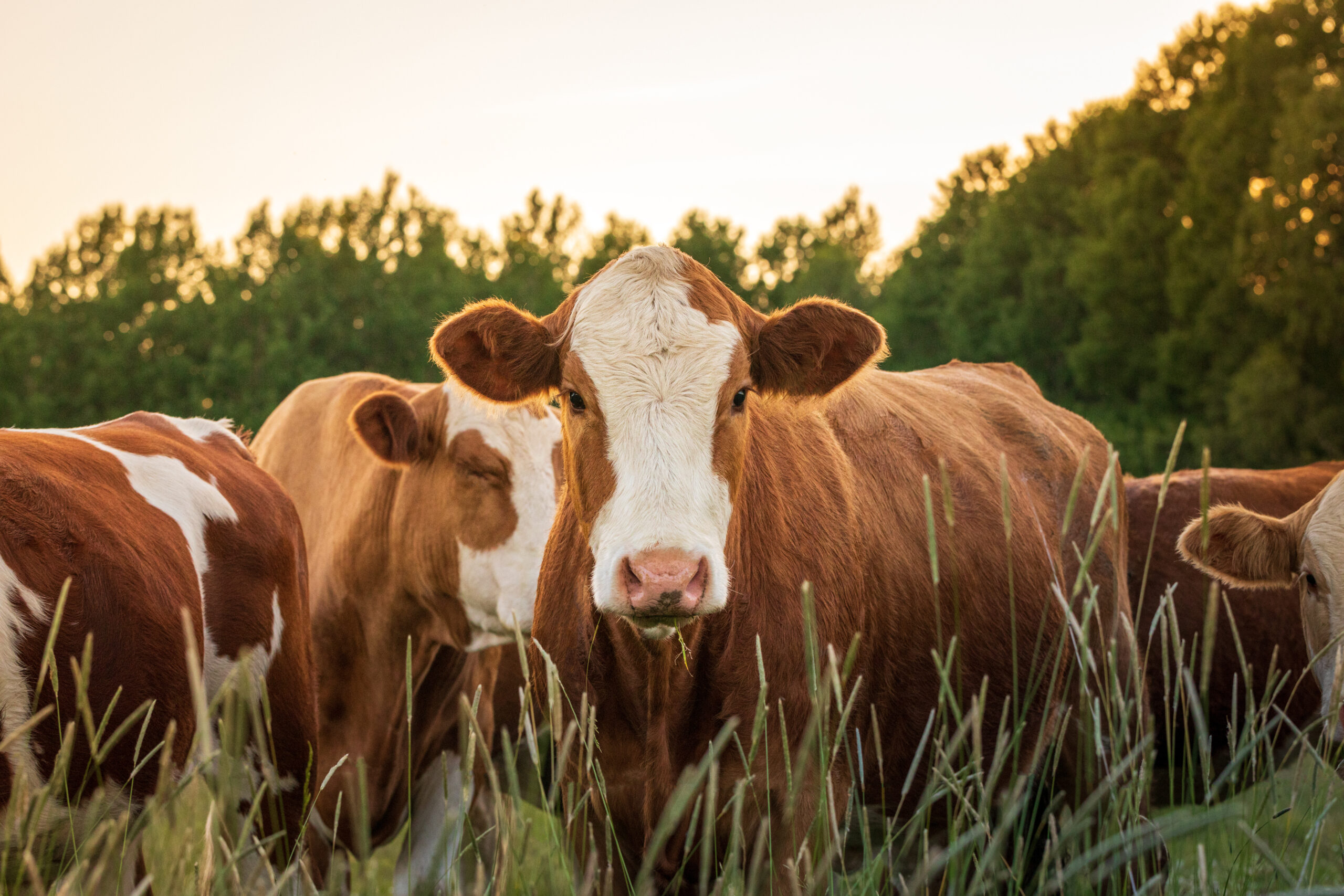
Articles about daily activities on your farm and profiles of farm animals are interesting reads for non-farmers. “People who don’t farm find the silliest things interesting and entertaining,” says Harding. “Write a story about what you do daily and that’s interesting enough for most people.” If you’re a dairy farmer, profile one of your cows and include its name, when it was born, its milking record, etc. If you grow tomatoes, write about the chores that must be done each day to ensure a healthy and bountiful crop. Many people don’t realize how much work it takes to run a farm, so not only will you be educating your newsletter readers, you all will be instiling a newfound appreciation for your work.

Photos offer a personal touch in your newsletter and can entice people to visit your farm. Including photos is easier than you might think. If you have a point-and-shoot camera, you’ll need to develop the photos and then scan them onto your computer. If you have a digital camera, you can simply upload the photos. Once you’re familiar with the process of how to upload images to your computer, you can quickly add photos of your farm products, employees, etc. If you would rather not use photos, you can use clip art, which can be purchased in a book, on a CD or downloaded from the Internet.

Frequency
The third decision to make regarding your newsletter is how frequently to create it. If you would rather sit down a few times a year and create a newsletter chock full of information, a quarterly newsletter is ideal for you. If you want to update your customers on what crops are available for purchase throughout the year, you’ll probably want to send a newsletter at least once a month. Sometimes a weekly newsletter is appropriate. For instance, Full Belly Farm in Guinda, Calif., provides a newsletter with recipes using its products and payment reminders in with its weekly delivery of produce to members of its Community Supported Agriculture program.

Remember occasionally to create newsletters during your off-season, as well. Even though your farm might close for several months, keep building relationships with your customers thru newsletters describing the activities on the farm in preparation for harvest next year, as well as updates about new products or varieties you intend to debut.

Design
Once you’ve decided on your newsletter’s format, content and frequency, your next step is to design it. 

If you have decided to publish a print newsletter, you will need to focus on the layout and graphics. One of the easiest and least expensive options is to use newsletter templates. Templates, which can be found in page-layout software or purchased individually, allow you to easily insert text and photos into pre-fabricated slots without worrying about design.

Not all print newsletters need templates or require the purchase of additional computer software. Many newsletters are produced with Microsoft Word, a word processing program which many people already own. If you’re searching for a basic format that includes a few columns, some graphic elements and the ability to import pictures, Microsoft Word can probably handle your beginning needs.  If you would rather present a more professional look, you will want to use templates or purchase software such as Microsoft Publisher, Serif PagePlus or Quark XPress.

You can print your newsletter on your home printer, print one copy and photocopy the rest at a print shop or e-mail your newsletter file to a print shop for printing. If you will be sending your newsletter to a print shop, Luers Eyman suggests making sure your software is compatible.

For PDF newsletters, you will design a layout much like a print newsletter.  Once it is created, you would then use PDF software to convert the file to a PDF document that can be sent as an e-mail attachment or linked online.

For Web newsletters, you will create a Web page just as you created pages for the rest of your Web site. Check with the Internet service provider (ISP) that hosts your Web site to see if they offer templates you can use to easily create Web pages and newsletters. If your ISP doesn’t offer templates, or if you prefer to design your own page, you can purchase software such as Microsoft FrontPage or Macromedia DreamWeaver; however, these programs will take some time to learn and might be too advanced for people who desire to produce a simple newsletter in a short amount of time.

Text e-mail newsletters can easily be created in a word processing program or in a text editor such as Windows Notepad. Once you’ve written the content, you would simply copy the newsletter to your e-mail account and send it to your subscription list. 

HTML e-mail newsletters can be created through a Web-development program and copied to your e-mail account. However, according to Luers Eyman, there’s a much easier way. 

“For HTML e-mail newsletters, the trend among small businesses is to use one of the list-hosting services,” she says. “Their fees usually include the use of newsletter templates that are relatively easy to plug text and graphics into….They are quite reasonable for someone just getting started.”

List-hosting services, such as Constant Contact and Vertical Response, not only make creating e-mail newsletters easy, but they also take away much of the hassle of the tedious tasks of subscribing and unsubscribing e-mail addresses.  If you choose not to use a list-hosting service, you can manually add and delete addresses from your e-mail account, purchase distribution software or find free services that can handle smaller distribution lists.

With a myriad of software and Web site services that allow anyone to create a professional-looking newsletter in a matter of minutes, your farm can easily begin reaping the rewards a newsletter offers.

This article first appeared in the November/December 2006 issue of Hobby Farms magazine. Pick up a copy at your local bookstore or tack and feed store or buy one online.


Your Email:
Get the latest news, tips and
free advice every month